
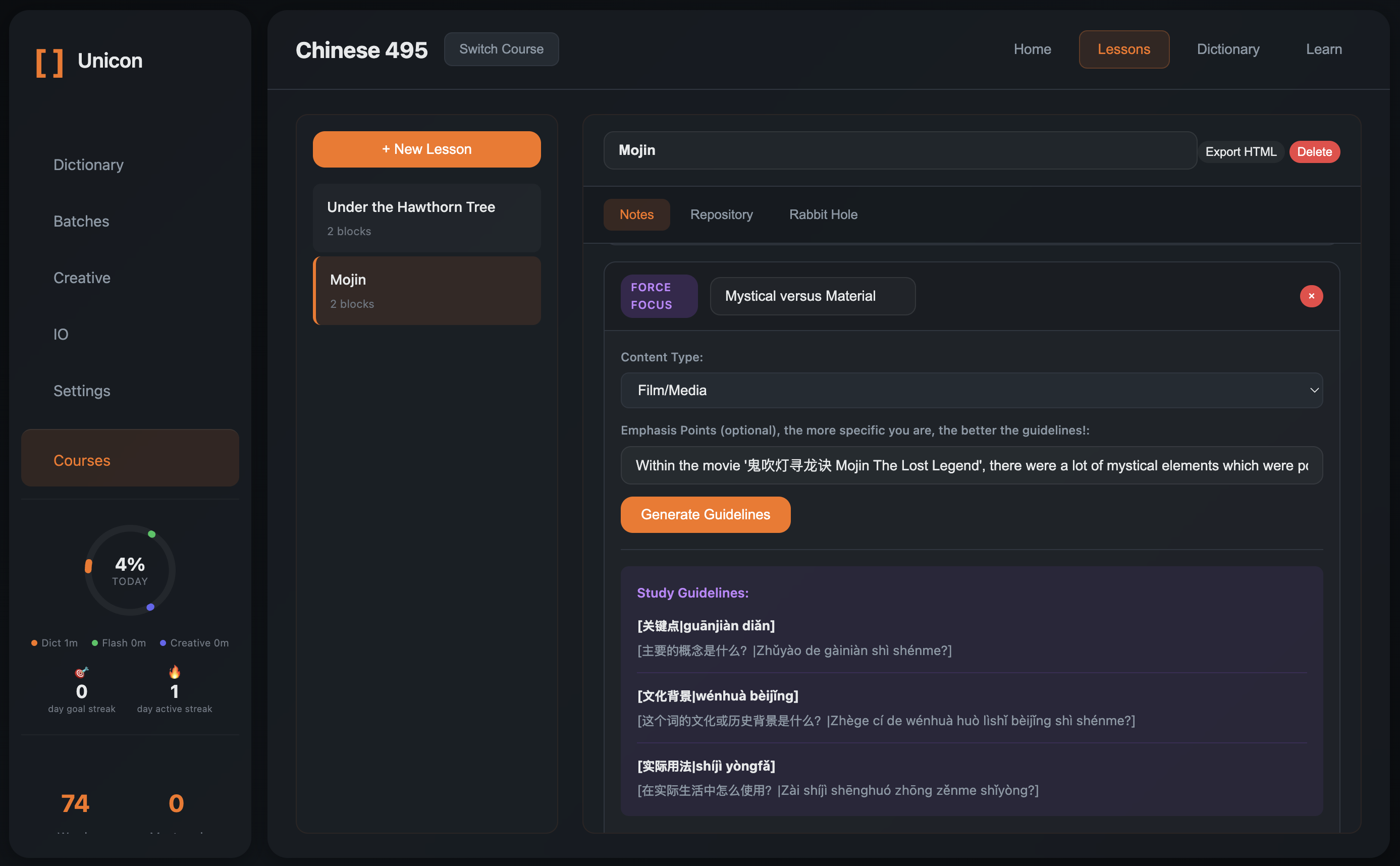
Unicon
Learn and Understand Chinese Systematically
Installation Notes
Disclaimer: This app is currently not code signed (Windows) and not notarized (macOS), so your system may show security prompts before allowing it to run.
Windows
- Right-click the downloaded
.exeand select "Properties" - In the General tab, look for "This file came from another computer"
- Check "Unblock", then click "Apply" and "OK"
- Run the installer again
macOS
- Try to open the app normally
- If blocked, open System Settings > Privacy & Security
- In the Security section, once Unicon is visible, click "Open Anyway"
- Confirm by clicking "Open" if prompted
- Try opening the app again